
Documents with a record
Your documents. Prepared, transformed and signed in one place.
Prepare the PDF, draft it from a template, sign it and keep the proof. No printing. No chasing anyone. No extra software.

From paper to proof, in four steps.
A document arrives the way it arrives. Here you get it ready, sign it and keep it with its proof.

-

Prepare it
Straighten a scan, remove what is not needed, join pages or start from a template. No more switching programs.
-
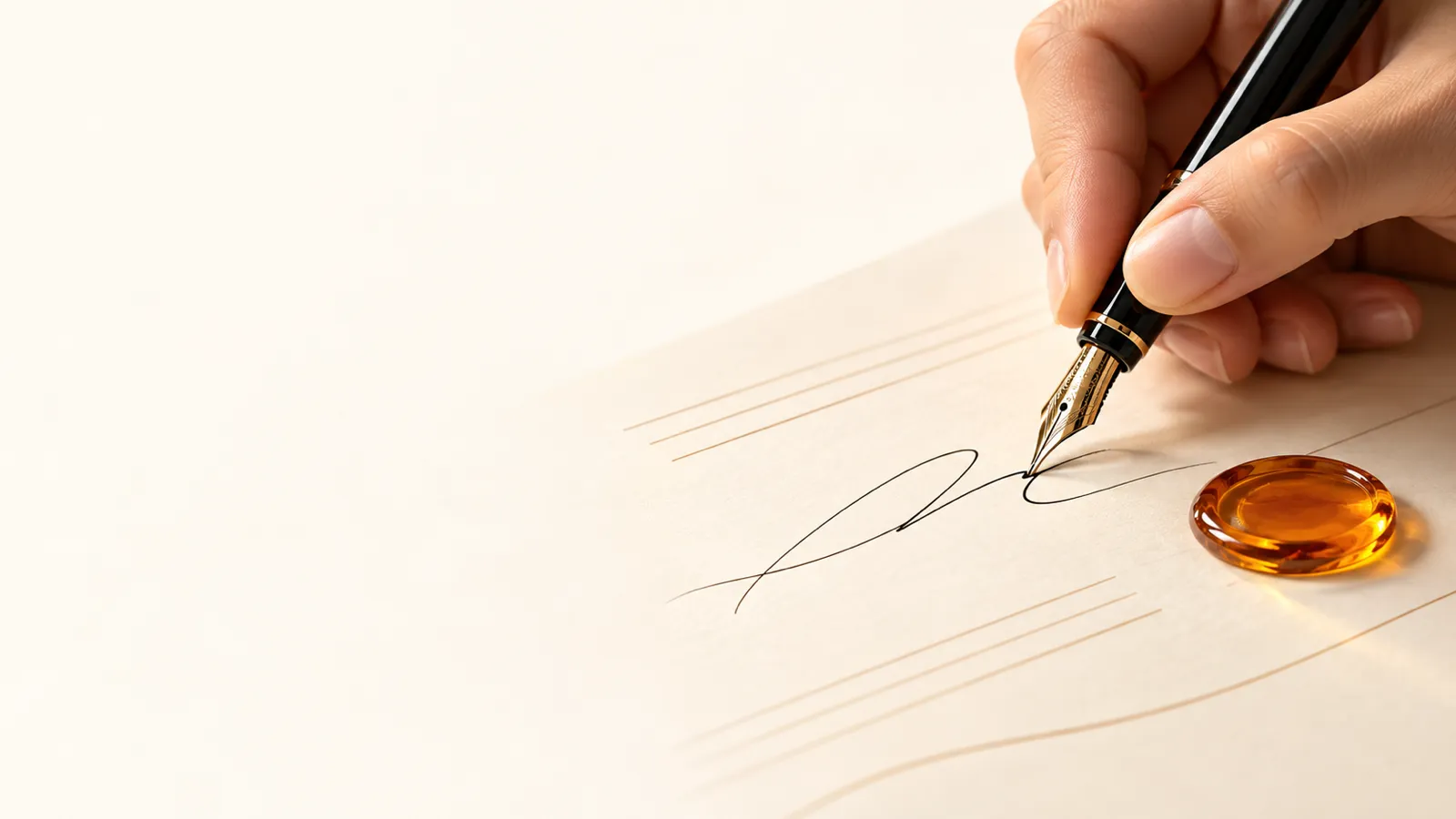
Sign it
Each person signs from their own link, by hand, with a stamp or on behalf of an organisation. You see who is missing.
-

Keep it
Who signed and when stays on record. Anyone can check it later. A mark leaves a record.
Right now, getting one signature eats your week.
-
Five versions of the same PDF
The document bounces from inbox to inbox and nobody knows which copy is the right one or who signed which.
-
Print, sign, scan
You hunt for a printer to add one signature and send back a crooked scan nobody wants to file.
-
Someone is missing. Who?
One signer goes quiet, the document stalls, and you dig through emails to work out who to chase.
-
Did the right person sign?
A PDF comes back with a scribble on it and you have no way of knowing who put it there.
-
Months later, nobody remembers
Someone asks when it was signed and which version, and all you have is an email thread.
With AmbarMark, this stops happening to you.
-
One document for everyone
Upload the PDF once and each signer gets a personal link. No more crossed versions.
-
You know who is missing
See where each signer stands, so you only chase the person holding things up.
-
The right person signs
Each signer confirms who they are with a 6-digit code sent to their email.
-
Your handwritten signature, if you want it
Draw it, type your name or upload an image. No printer, no scanner.
-
Everyone ends up with the same copy
When the last person signs, the final PDF with every signature goes to each signer and to you.
-
Proof of what happened
Who signed, when and from where is on record. Anyone can check the document later.
Three steps on each side.
If you send
- Upload the PDF.
- Add the name and email of each person who needs to sign.
- Track who has signed and get the final document once everyone has.
If you sign
- Open the link in your email and read the document.
- Confirm it is you with the code we send you.
- Sign and download your signed copy.
What you can check, not just take on trust.
- A record of every signature: who, when and from which internet address (IP).
- A document fingerprint: a unique code that changes if anyone alters a single comma.
- A timestamp from an outside authority, which certifies the exact time of signing.
- We keep the records of every signature for 5 years.
Everything you do with a PDF
Before signing, the document almost always needs some work: turning a scan the right way up, hiding a detail, putting photos together or getting it ready to archive. Today that means several programs and some website you are not sure what it does with your file. With AmbarMark you sort it out in the same service where you sign.
-
Get the document ready
Leave it the way the signer should receive it, without printing or scanning again.
- Straighten pages scanned upside down or sideways.
- Split a long PDF into several documents.
- Pull only the pages that matter into a new document.
- Number the pages so nobody gets lost while reviewing.
- Give the file a title, author and subject so you can find it later.
- Check how many pages it has and whether it carries a password or forms before sending it.
- Make it smaller so email does not reject it.
-
Protect what is private
You decide who opens it, what can be seen and what can no longer be changed.
- Add a password so only people who know it can open it.
- Remove the password when it is no longer needed, if you know it.
- Black out details such as an ID number or a bank account for good.
- Mark every page with diagonal text, such as draft or copy.
- Lock form fields so nobody can change them afterwards.
-
Archive for years
So the document still opens and can be found when someone asks for it.
- Convert it to PDF/A, the format designed to keep documents over the long term.
- Turn a scan into text you can search and copy.
-
Convert without extra software
Move from one format to another without installing anything.
- Convert Word, Excel or PowerPoint documents to PDF.
- Put photos or images together into a single PDF.
- Save each page of the PDF as an image.
Eight contracts ready to fill in
Starting a contract from a blank page takes hours. Choose the template, fill in the parties, the purpose and the amount, and get the PDF ready to send for signature.
- Freelance services agreement.
- Business to business service agreement.
- Mutual non-disclosure agreement.
- Consulting agreement.
- Monthly retainer agreement with included hours.
- Business collaboration agreement.
- Employment offer letter.
- Web design and development agreement.
Today the tools and templates are used through the service API, with your access key.